
Your Sumsub ID account at id.sumsub.com is where you manage your verified documents, review verification activity, and control which services have access to your data.
How to view your documents
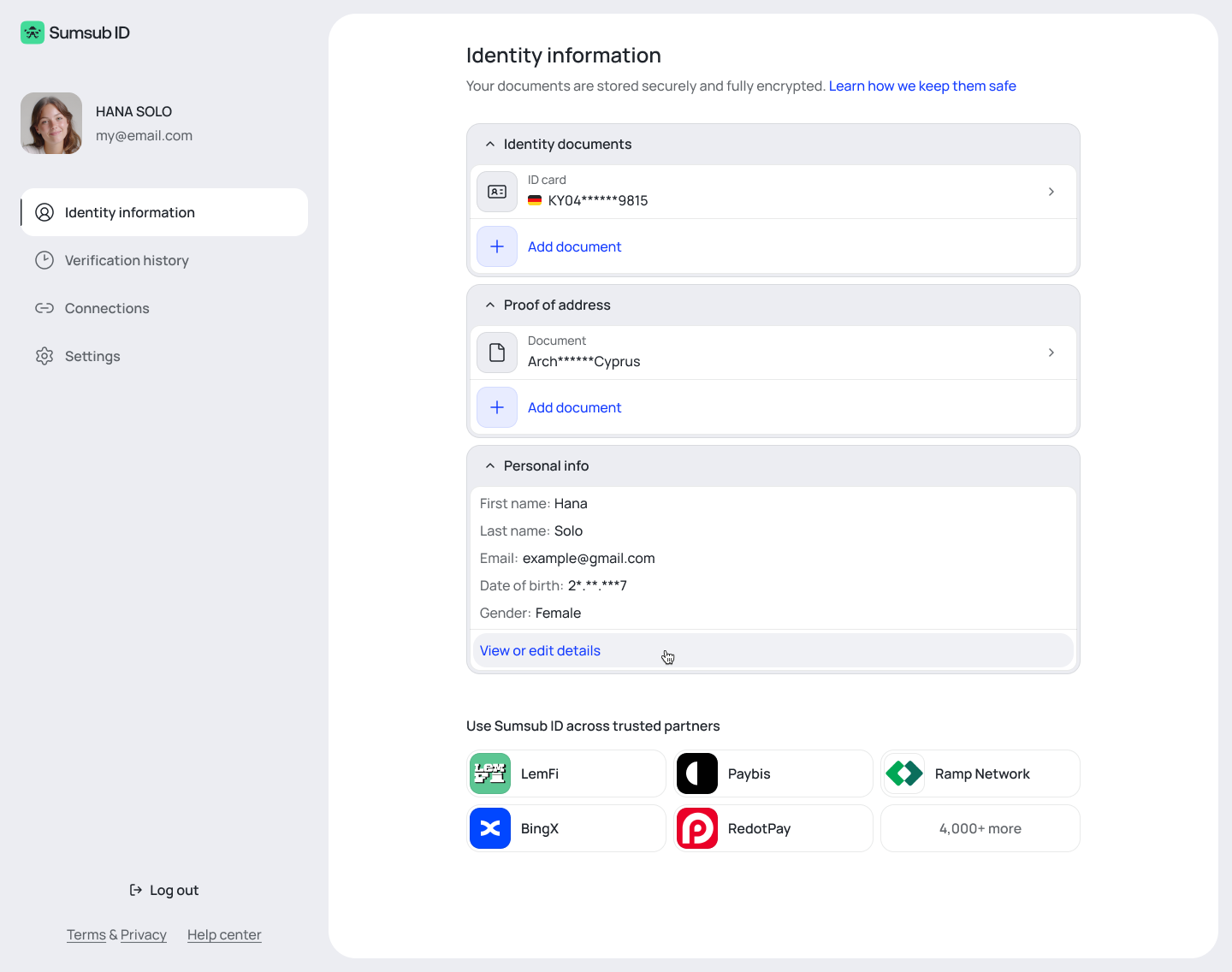
Sign in at id.sumsub.com and go to the Identity information tab. You can see which documents are stored in your account.
To view full document details or download a document, you will need to complete a face scan. This protects your sensitive information from unauthorized access, even if someone else has access to your email.
How to add new documents
To add a document to your Sumsub ID, you need to complete a verification: upload an identity document and pass a face scan. This confirms you are the owner of the documents before they are stored.
How to delete your documents
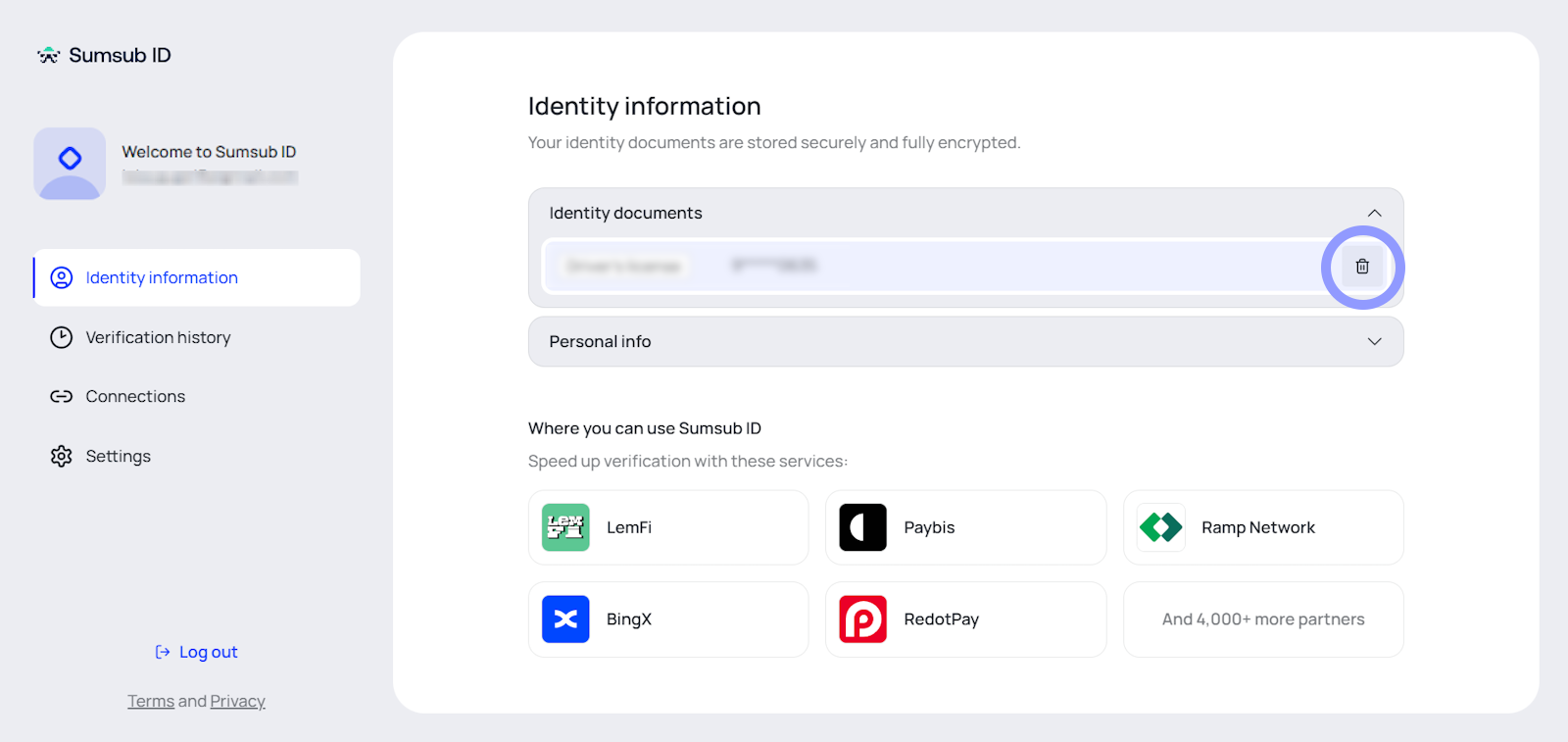
To delete a previously stored document:
Go to the Identity information tab.
Hover over the document you want to delete.
Click the deletion icon.
Confirm the deletion.
How to download all your personal data
If you want a copy of all the personal data Sumsub holds in your Sumsub ID account — for example, to fulfill a GDPR data access request — you can download it directly from your settings.
Sign in at id.sumsub.com.
Go to Settings.
Click Export all data.
Complete a face scan to verify your identity.
The download starts automatically after the face scan is confirmed.
The face scan is required to protect your data. It ensures that only you — the verified account holder — can download your personal information.
How to review your verification history
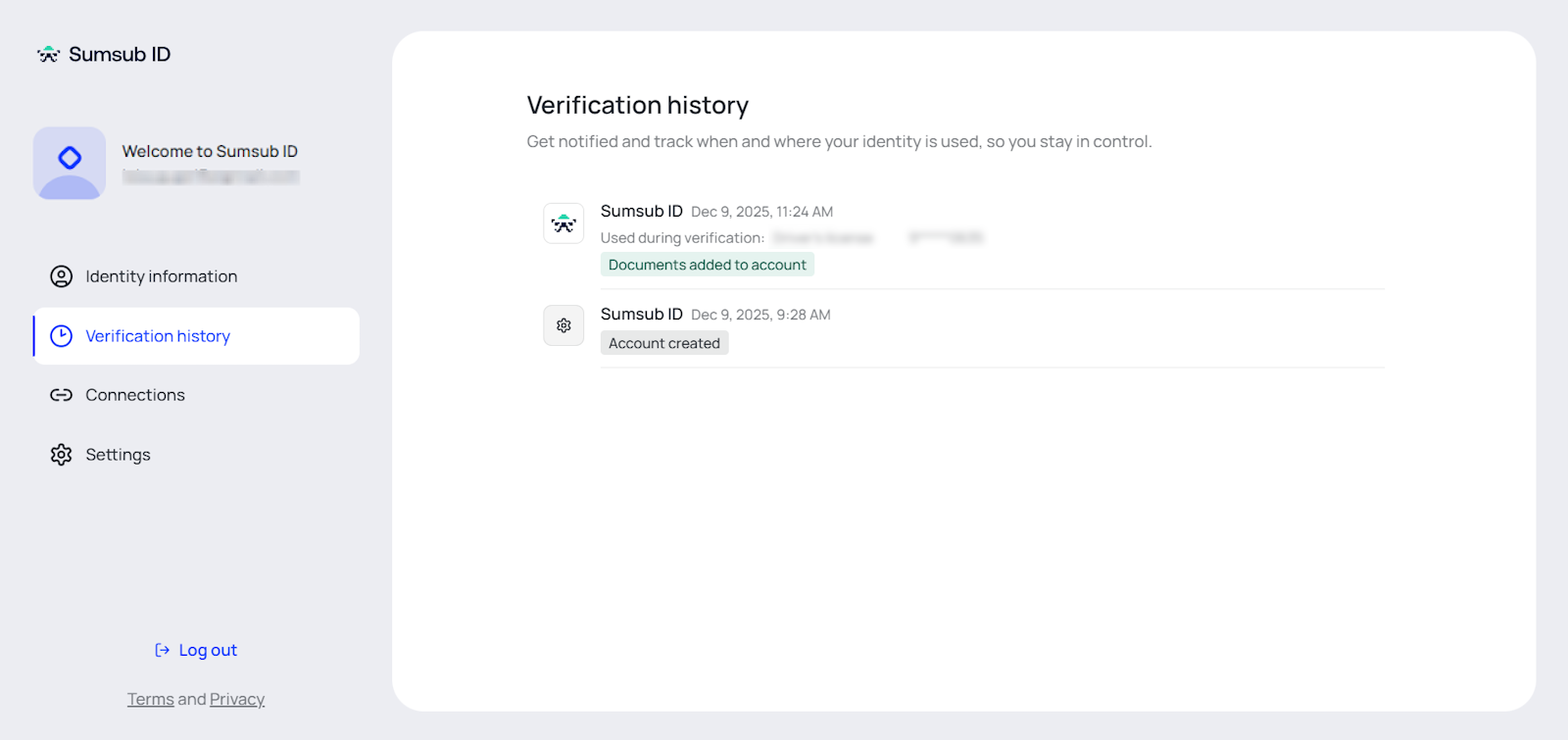
In the Verification history tab, you can see:
Verifications you initiated by sharing documents from your Sumsub ID.
Verifications where your documents were matched — cases where someone uploaded documents at another app that matched your Sumsub ID. If you did not initiate these, see the section below.
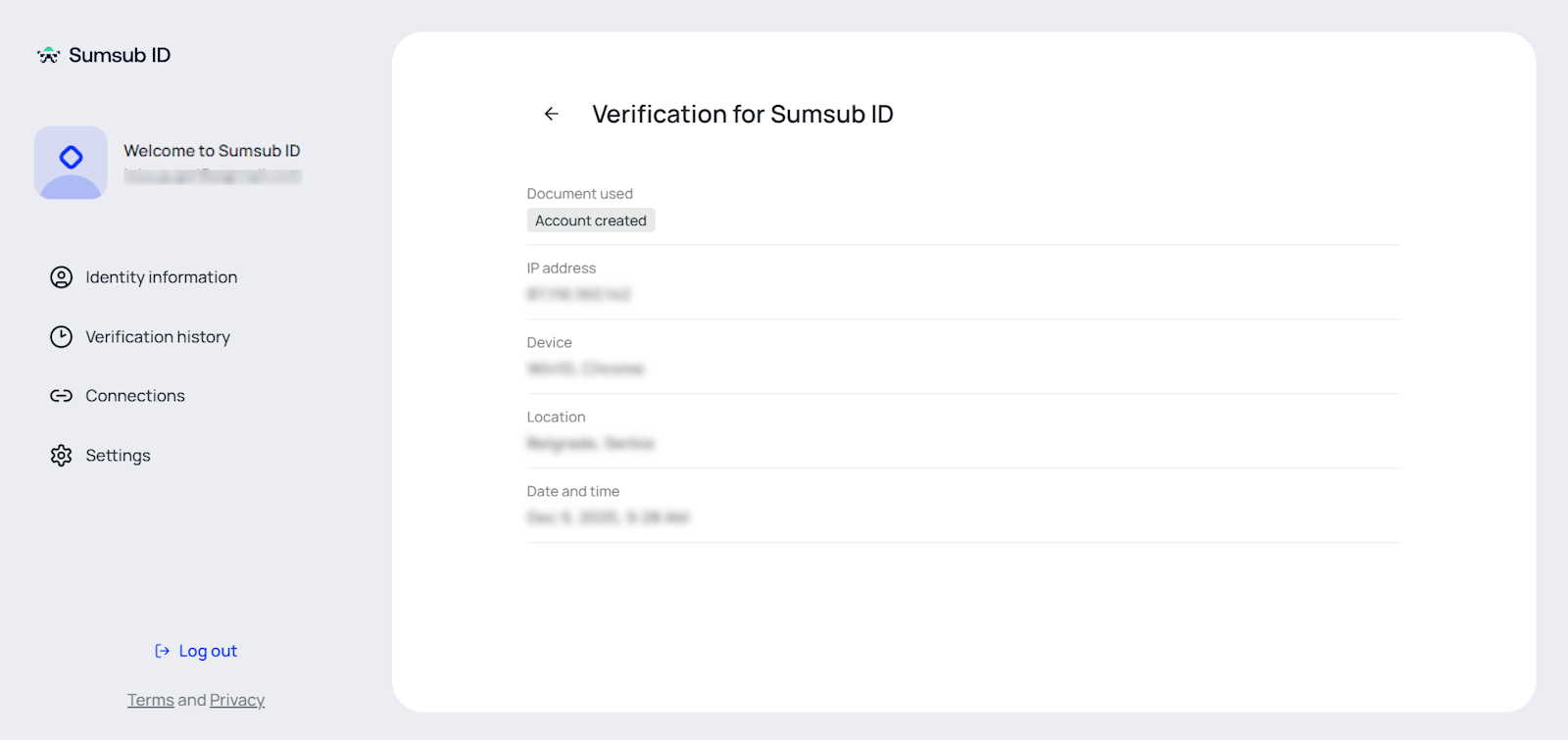
Click a specific verification to see details such as the date, device, and location.
How to edit your personal information
How to edit your personal information
Some information in your Sumsub ID profile was entered by you manually during verification — things like your email, phone number, or fields you typed in yourself. You can update these manually-entered fields at any time.
Information that was read directly from your identity documents (your name, date of birth, document number, and other document-extracted data) cannot be edited. That data comes from your documents and is locked to what appears on them.
To edit your manually-entered information:
Sign in at id.sumsub.com.
In the Personal info section, click View or edit details.
Complete a face scan to confirm you are the account holder.
Edit the fields available for editing.
Save your changes.
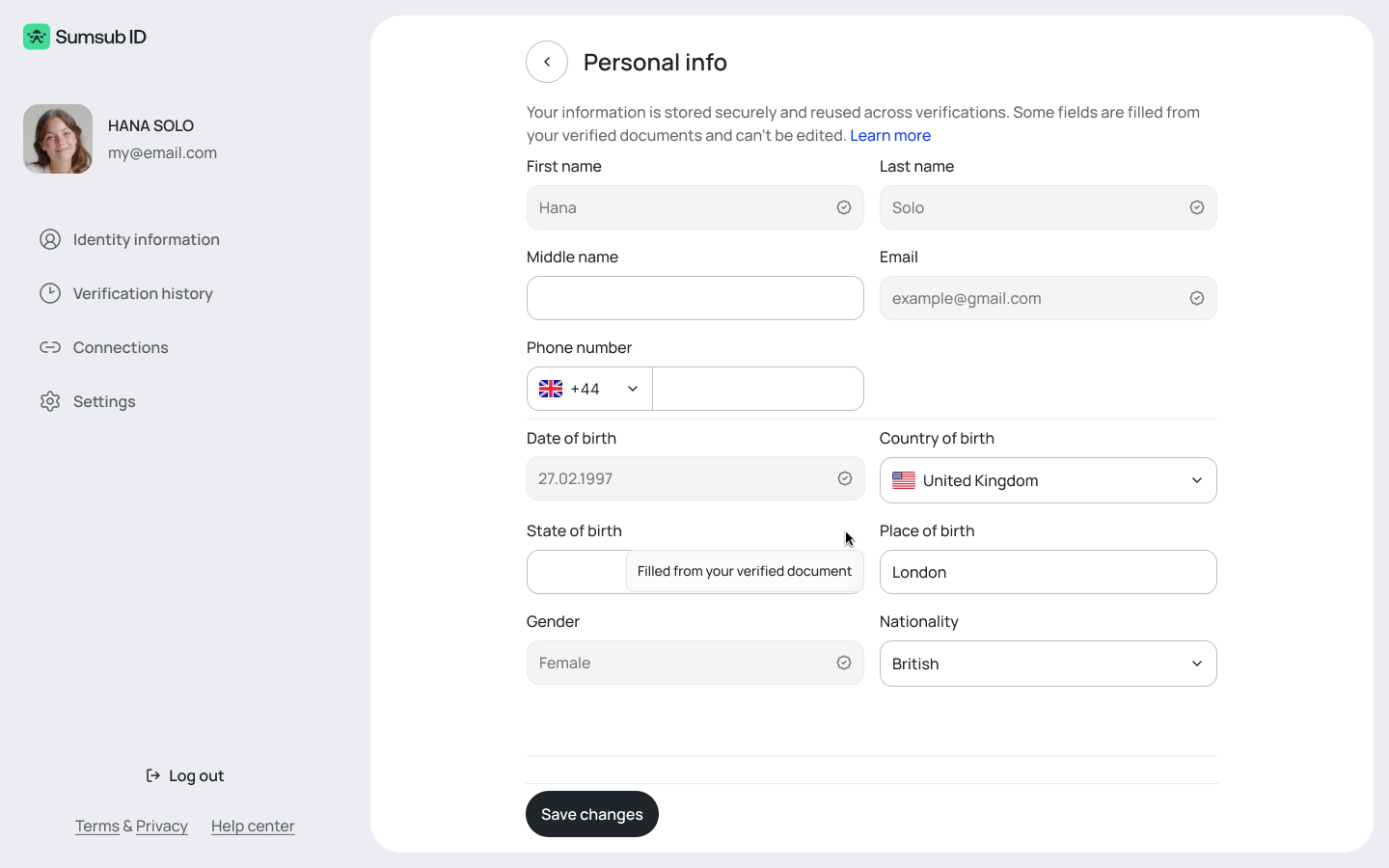
The face scan is required before you can view or edit any personal details. This protects your information from unauthorized changes, even if someone else has access to your email.
When you update your personal information, the new values are used to prefill fields in future verifications at partner apps, saving you from re-entering the same details. The prefilled values apply to verification steps that do not require additional document checks.
How to protect your identity if you spot suspicious activity
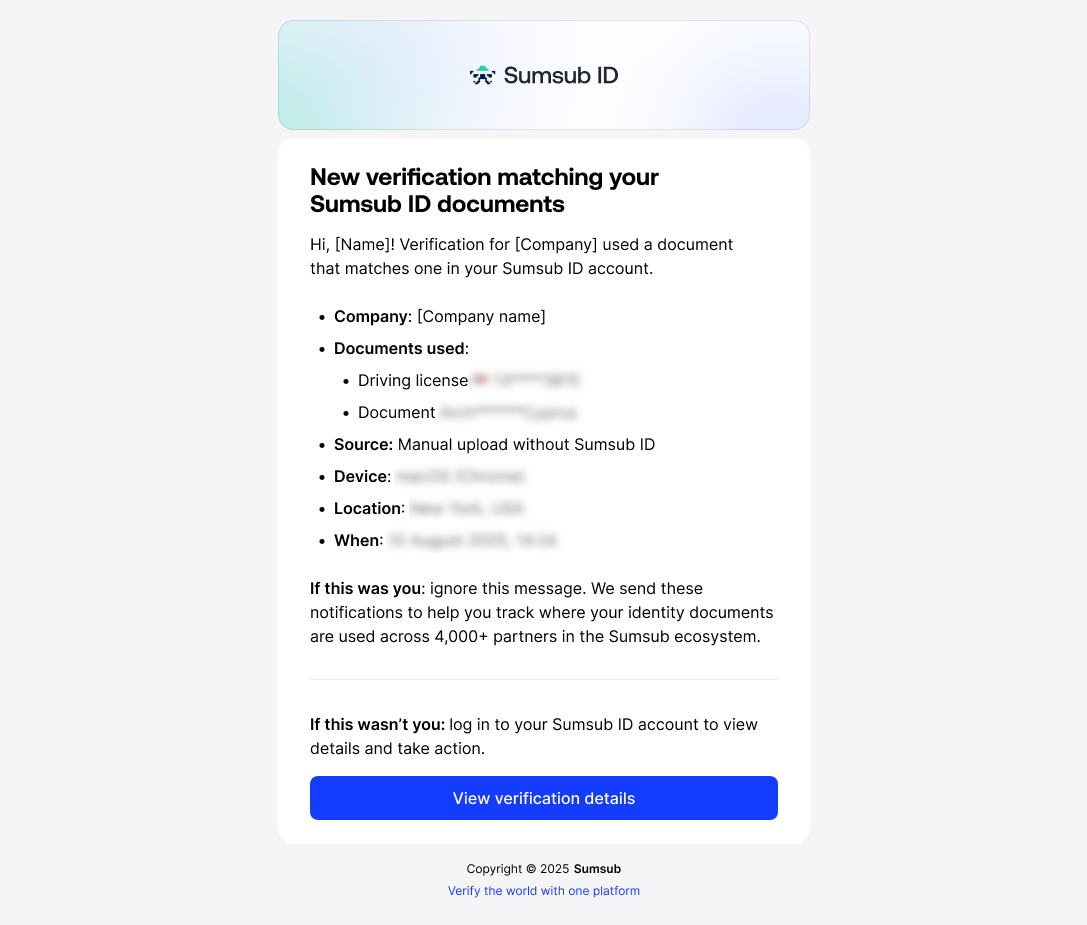
If you receive an email notification about a verification you did not initiate, you can block it:
Open the notification email from Sumsub ID.
Click "This is not me."
Sumsub blocks that verification immediately.
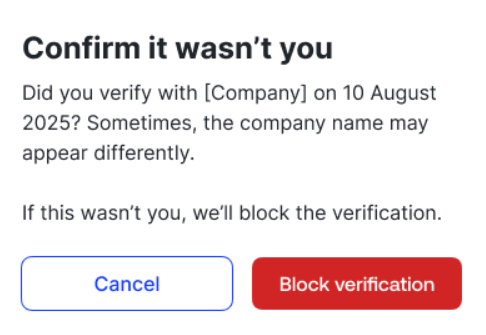
You can also review and act on suspicious verifications from the Verification history tab at id.sumsub.com.
How to manage connected services
Some apps allow you to create an on-going connection between your Sumsub ID and the app account. This is done to either provide the app specific identity data found in your Sumsub ID, or to help you verify at the app’s partner services without re-uploading documents. In these cases you will always be asked to give specific permissions to the app, which may include email, name, age, or a permission to pass a reference to your Sumsub ID on to their partners.
In the Connections tab, you can review all connected services, the specific permissions granted, and revoke access at any time.
To learn more about connected services, check out the related article.
How to delete your Sumsub ID account
To delete your account and all associated personal data:
Go to https://id.sumsub.com/ and log in to your account.
Navigate to the Settings page.
Select Delete Account and follow the prompts to confirm.
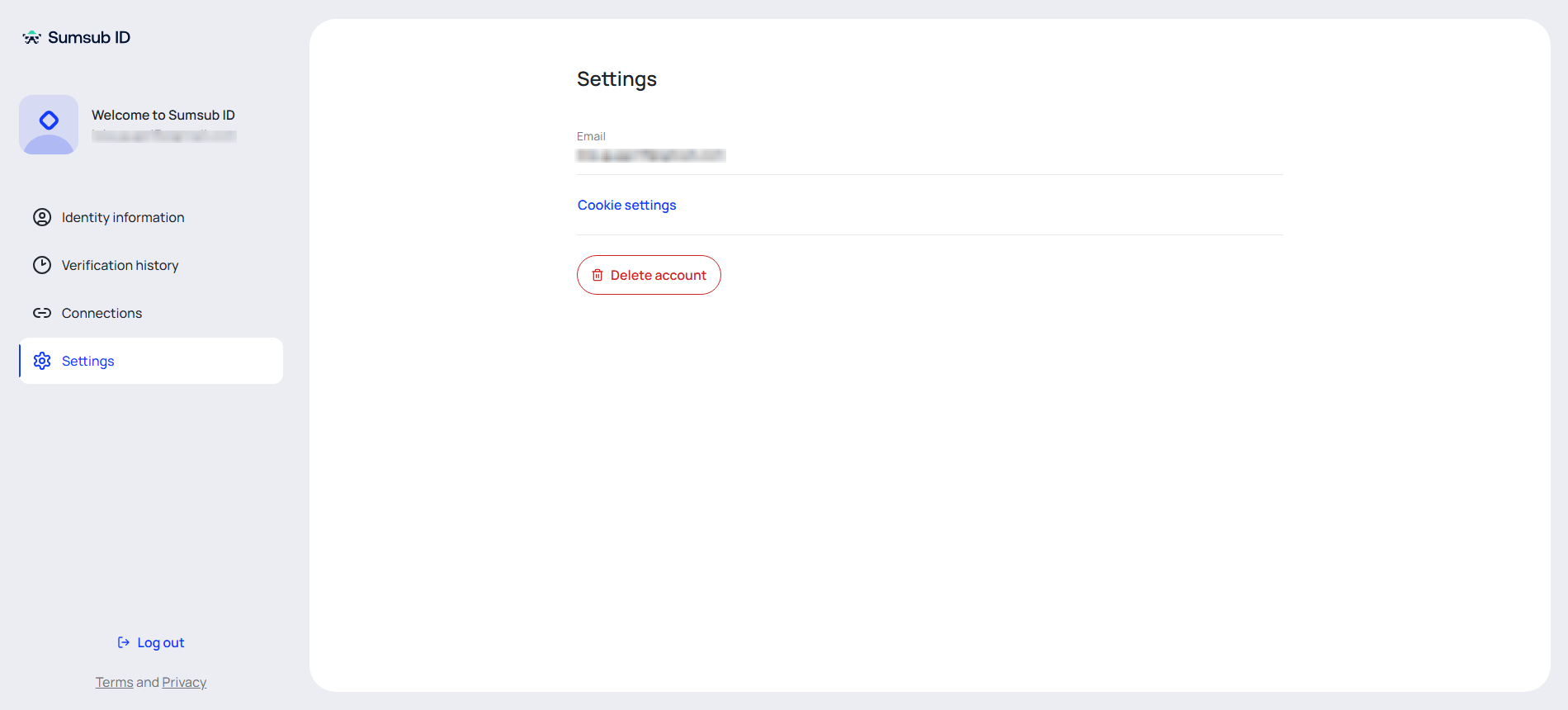
Deleting your account removes all your stored documents and personal data permanently.
After deleting your account, you cannot immediately create a new account using the same identity information. If you entered incorrect data and need to start over, contact Sumsub support for assistance.