
Phone verification confirms your phone number is real and belongs to you. Here’s how to verify it:
Enter your phone number.
Click Send verification code.
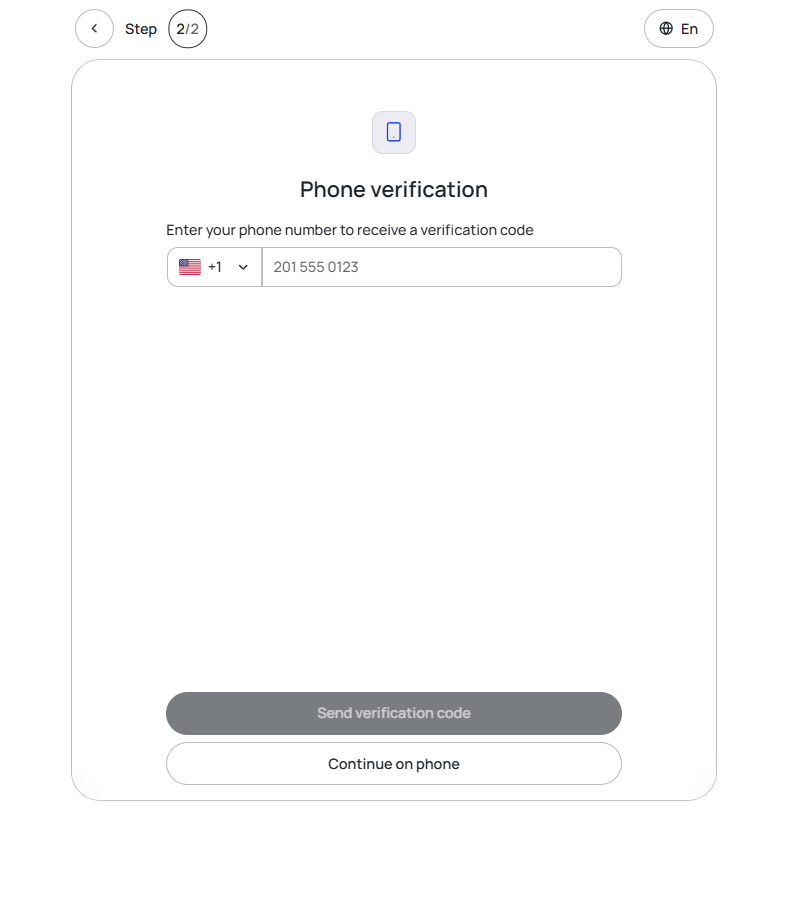
We will send a code to your phone.
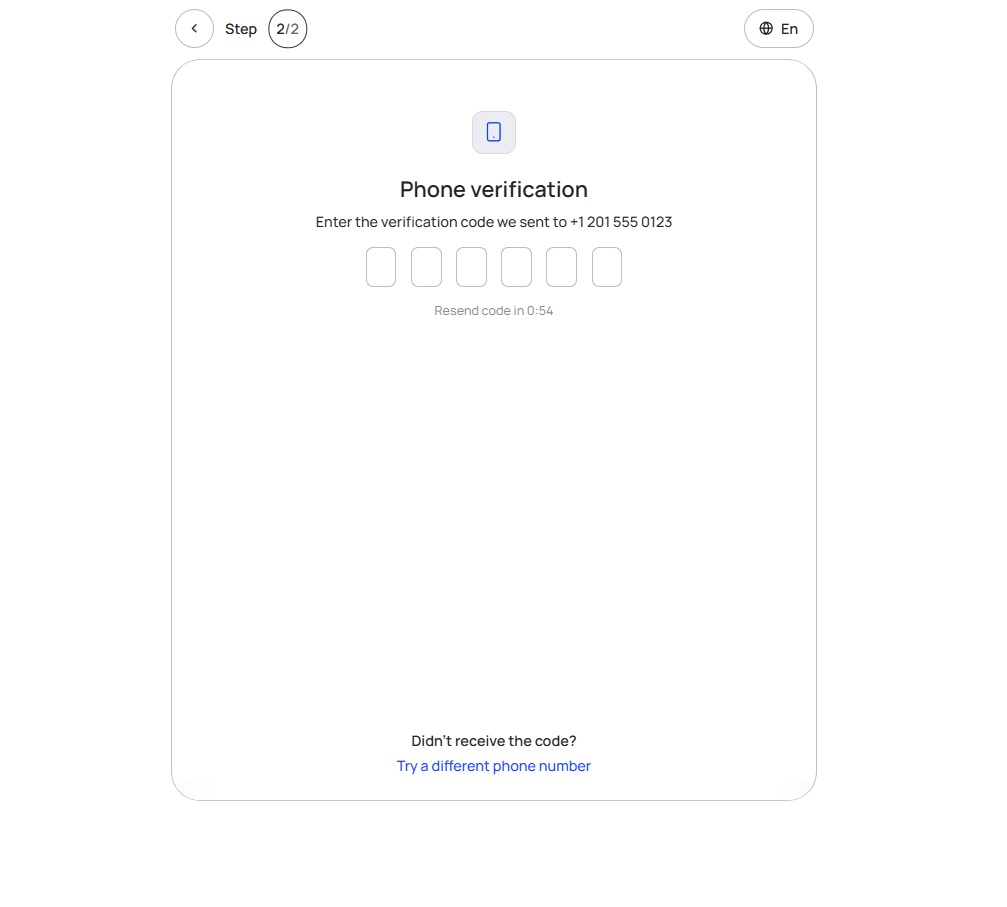
Within a minute, enter the verification code you received. Don't share it with anyone.
👁🗨 FAQ
Can the support team verify my phone number?
No, verification can only be done by the profile owner.
What to do if I didn’t receive the verification code?
Turn your mobile data off and on.
Click "Resend Code" and try again.
📚 Suggested Articles
Was this page helpful?