
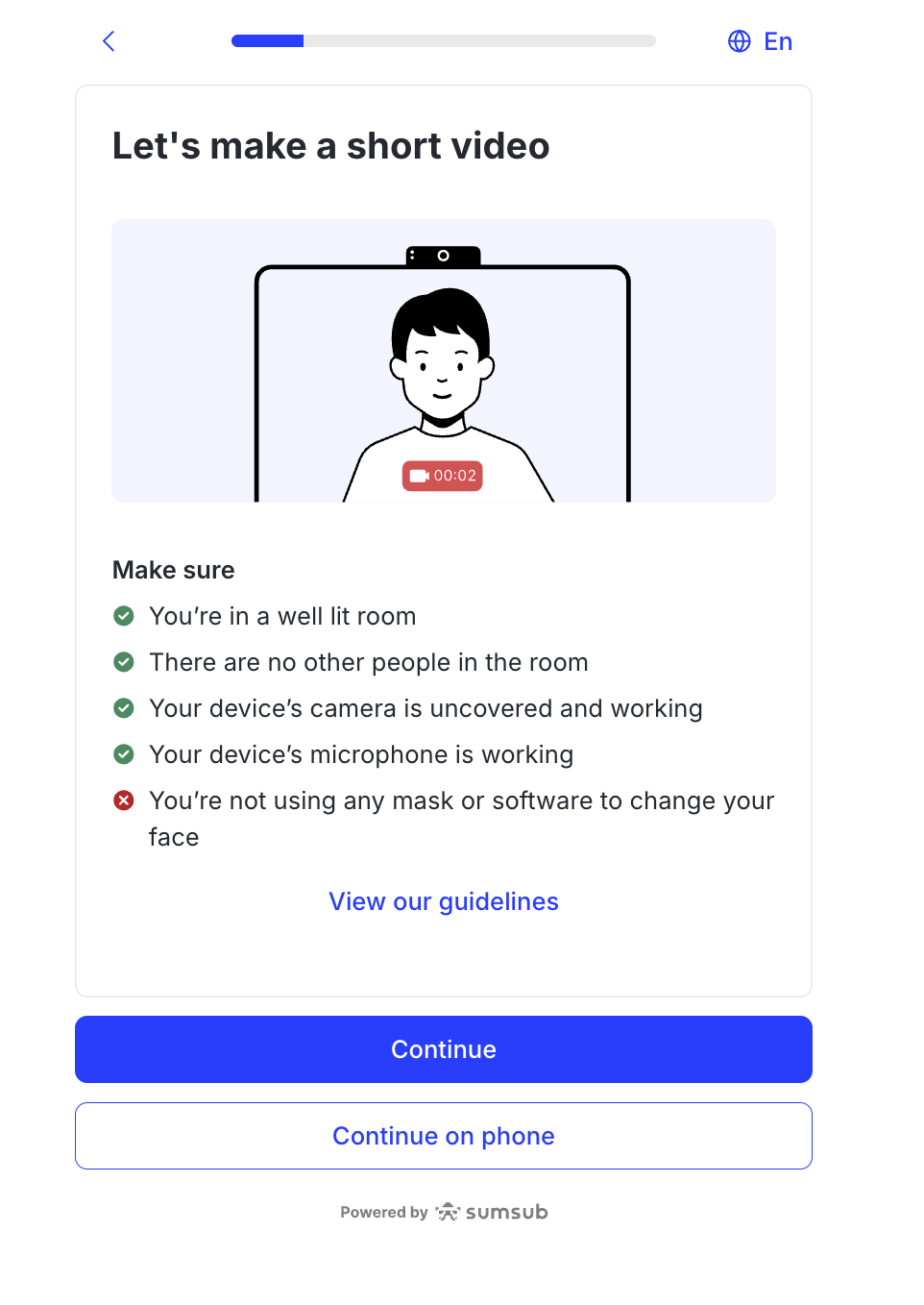
Record a short video with your voice to prove you are a real person.
Requirements
Stable internet connection
Browser and operating system updated to the latest versions
Permission for the browser/app to access your camera and microphone
Steps
Read the instructions on the screen.
Allow camera access if prompted.
Ensure the lighting is bright enough for clear visibility.
Position your face in the frame.
Tap Record.
Pronounce the digits on the screen.
Tap Stop when finished.
Review to ensure your face and speech are clear before submitting.
📚 Suggested articles
Was this page helpful?