
Liveness confirms you're a real person through a quick camera check on your mobile or web device.
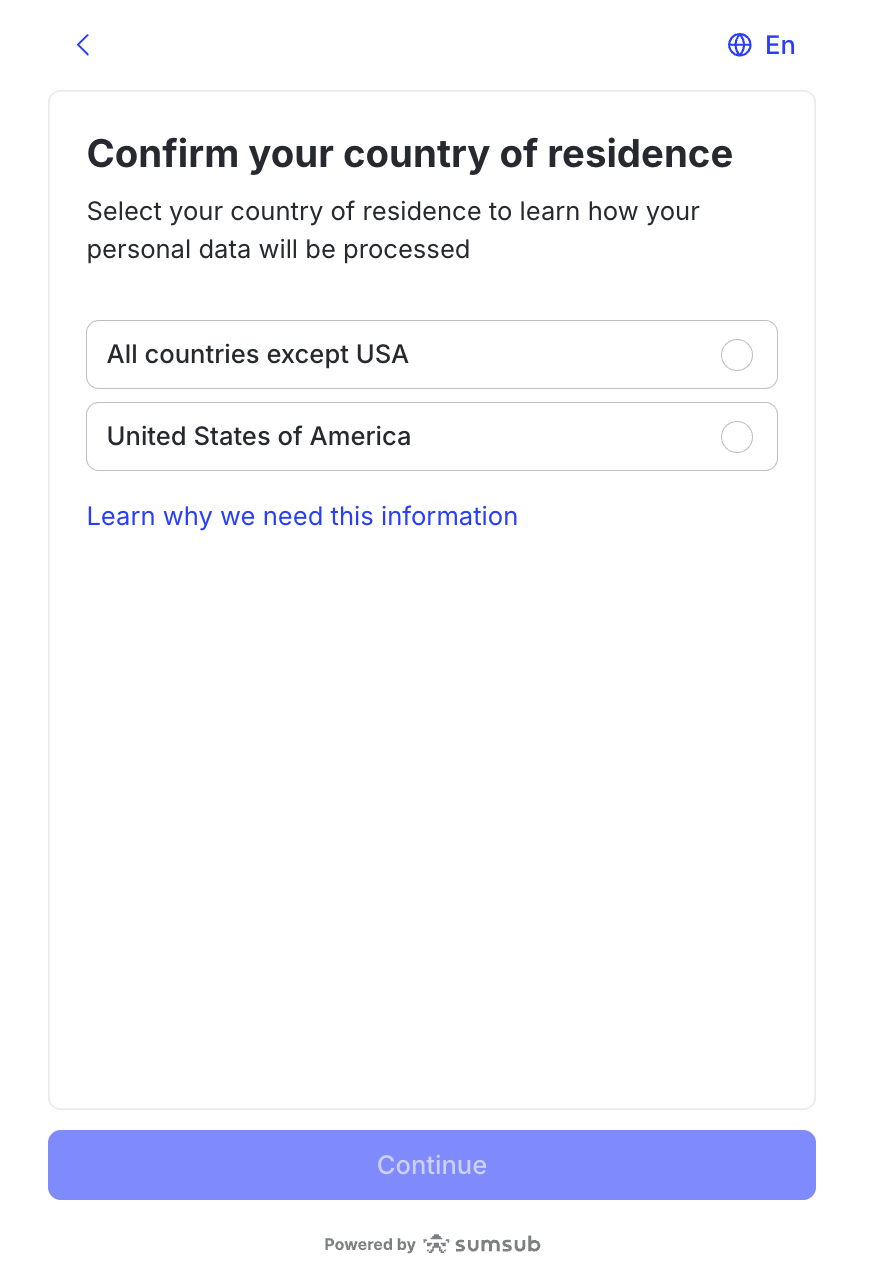
Confirm your country of residence. Read and accept the terms and our personal data processing policy.
Click Continue and allow access to your camera if prompted. Follow the instructions on the screen: position your face in the frame and move your head in a circular motion.

Success! To complete the check, click Continue.

👁🗨 FAQ
What are the most common reasons for selfie rejection?
Issue | Solution |
|---|---|
Poor lighting | Make sure that your room is well-lit and your face is clearly visible on the screen. Follow the system instructions to repeat the check if needed. |
Incorrect Facial Positioning | Position your face so that it is clearly visible and correctly fit inside the frame, not too close or too far away from the camera. Do not wear masks, glasses or hats when passing the check. The instructions and frames on the screen are designed to help you pass the verification. |
Camera not working | Allow access to your device's camera to take a selfie. Also, check your operating system’s camera settings. Make sure you are using the latest version of your browser. |
Photo Effects and Filters | Do not use any camera effects or filters while passing the Liveness check. |