
Our NFC-based verification is able to read and interact with NFC (Near-Field Communication) chips in compatible IDs and ePassports.
If your ID document supports NFC, our system will detect it and request a respective scan. This step is optional and you can skip it if you want. However, we strongly recommend that you do not, as using NFC will let you speed up the verification process.
How to pass NFC-based ID verification
Take a photo of your ID and upload it to the system.
Accept or decline an NFC scan request.
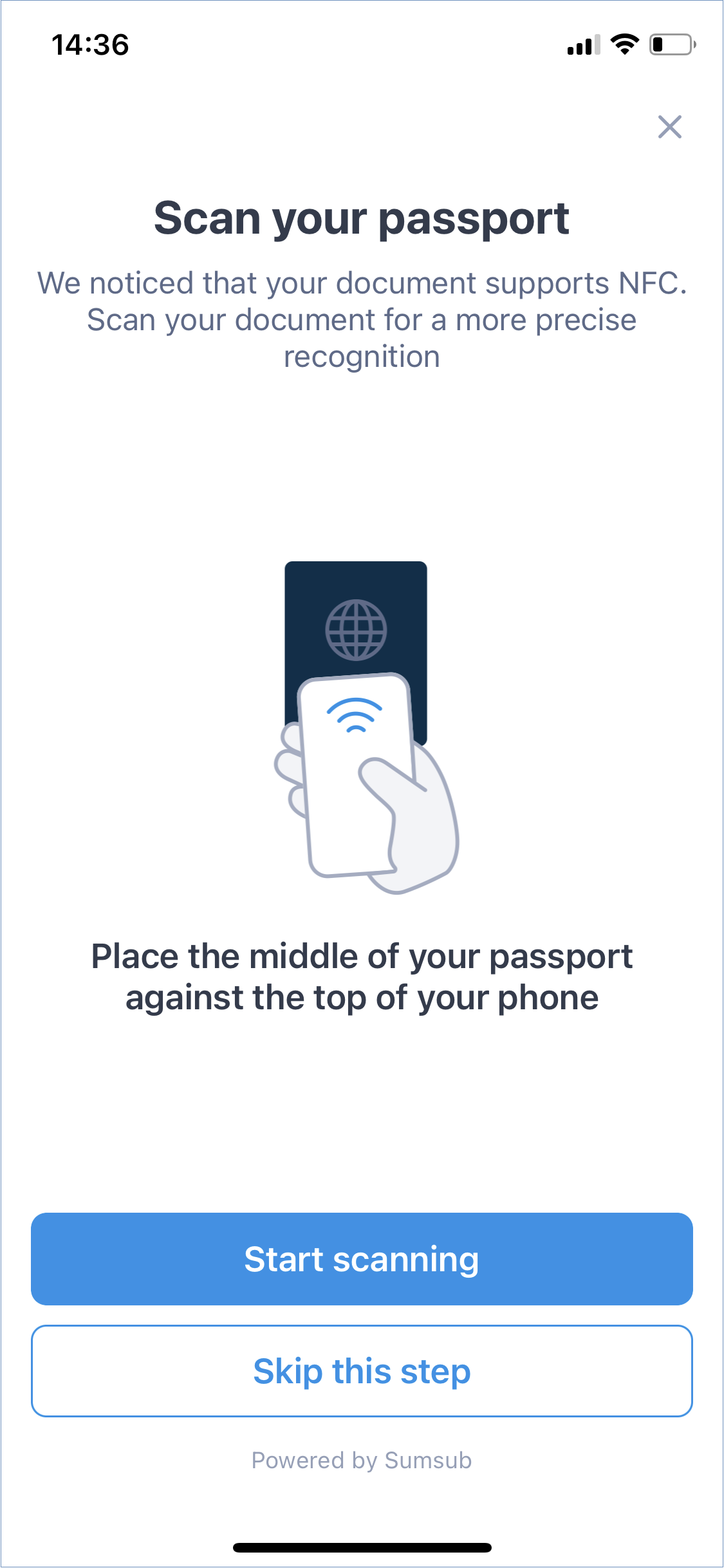
Press your document to your phone. Locate the NFC chip in your document and press it against the NFC chip of your mobile device lightly.
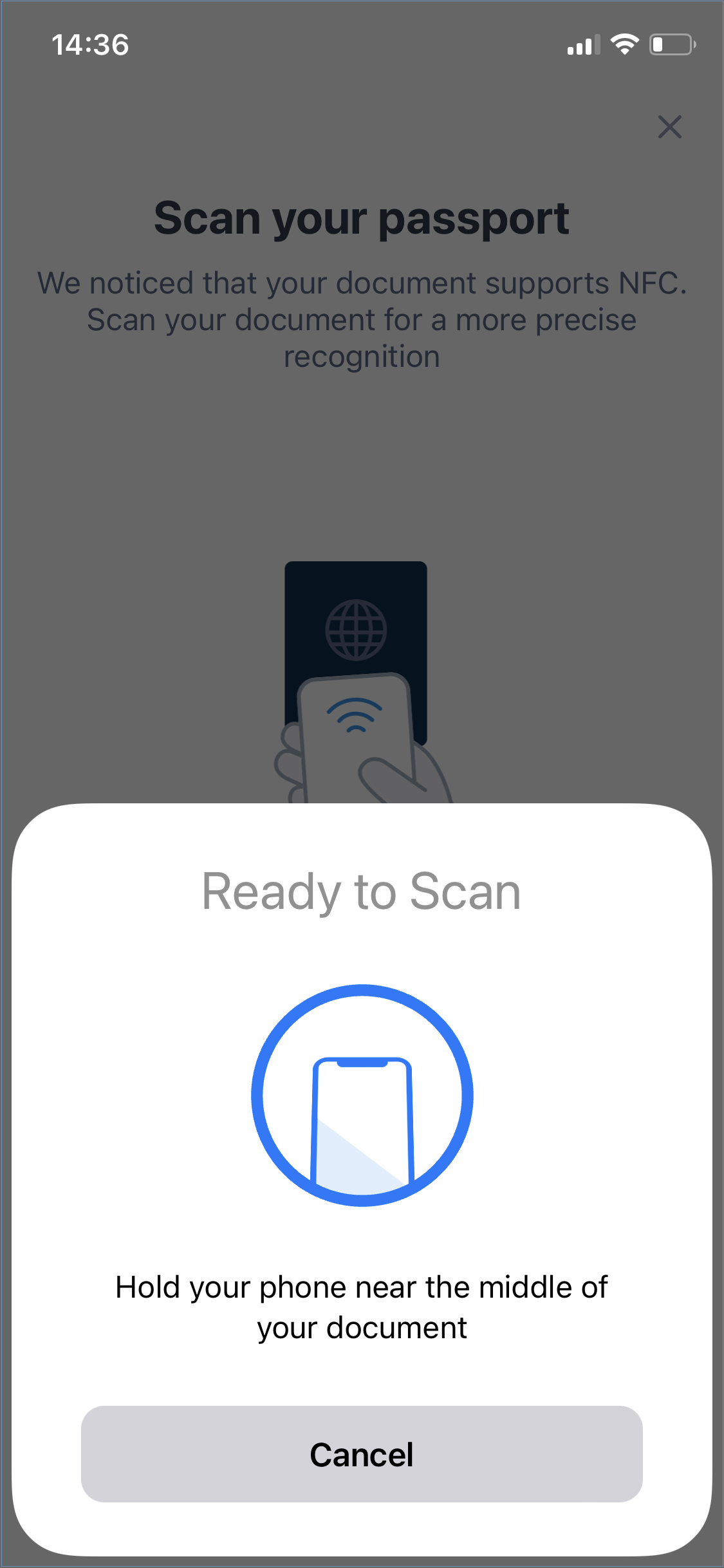
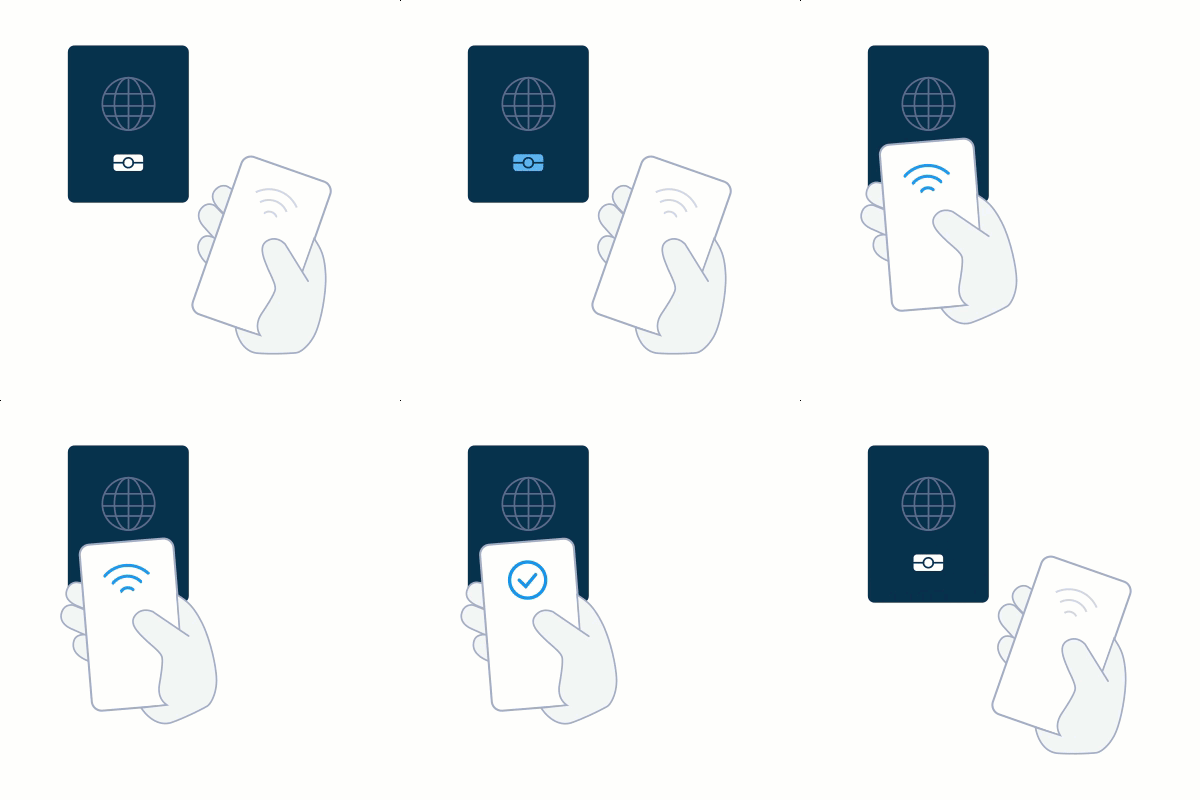
Wait while the system extracts data from the chip and the ID photo. Keep your ID pressed to the mobile device until the Done message appears.
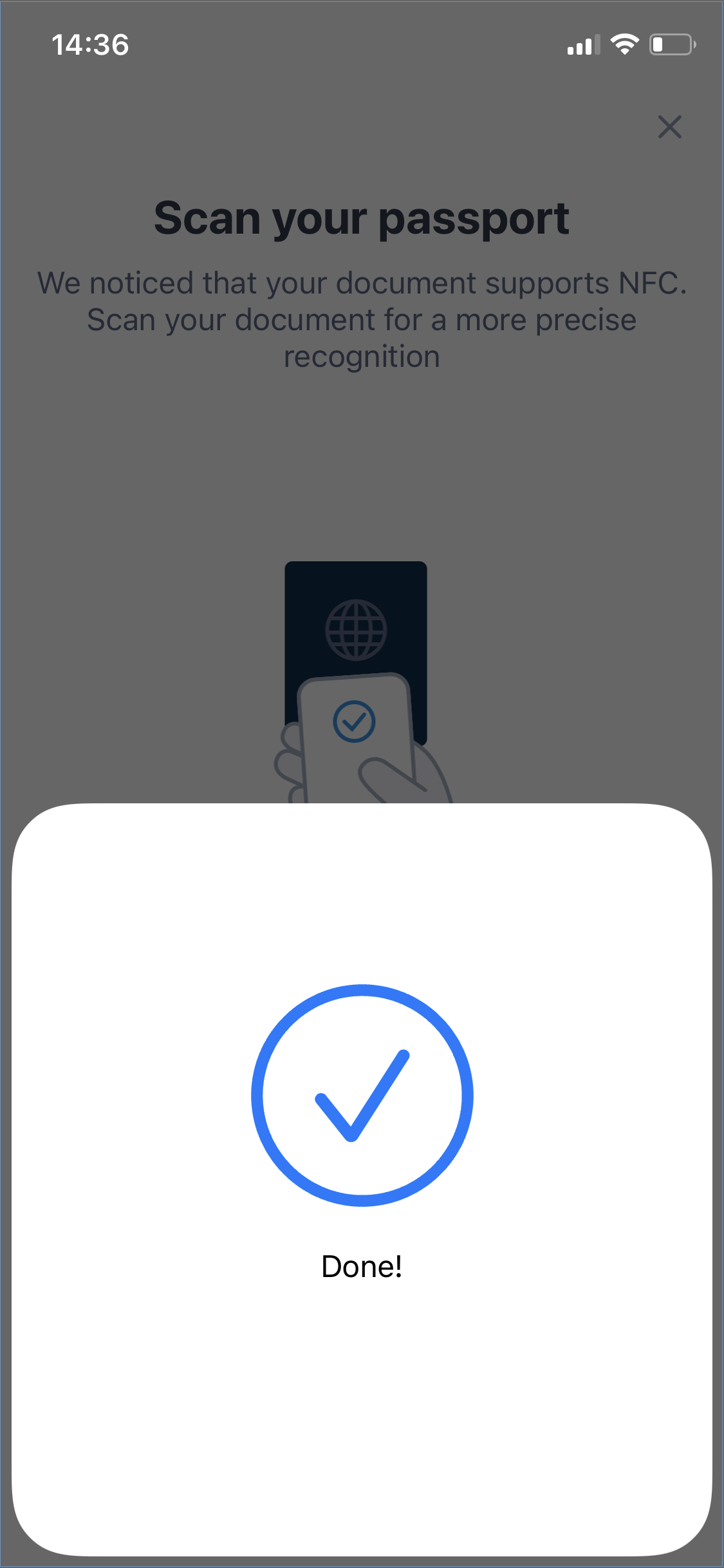
Wait until the system checks the data.